 Subtronics LLC
DIY Tutorial
How to Speed Up a Slow Computer
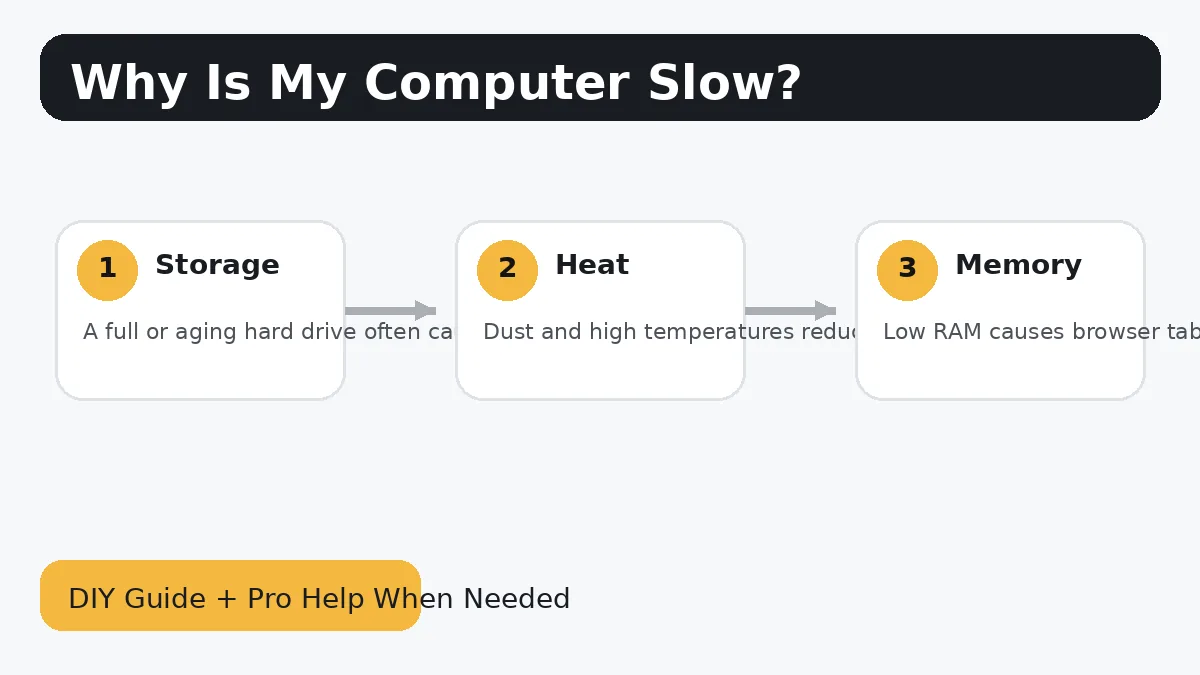
This is the one a lot of people are really searching for. A slow computer can feel like a mystery, but the biggest improvements usually come from a few repeat offenders: old hard drives, too many startup programs, overheating, low memory, and bloated software.
Subtronics LLC can handle upgrades, troubleshooting, setup, and repair for customers in Flushing, Flint, and nearby Genesee County areas.
Watch the tutorial
This embedded video now directly matches the slow-computer topic with a step-by-step speed-up tutorial.
Basic steps
- Start by identifying whether the computer is slow all the time, slow only at startup, or slow mainly during multitasking and browsing.
- If the system still uses a traditional hard drive, an SSD upgrade is often the single biggest speed improvement.
- Trim startup programs and uninstall software you do not use so Windows has less junk to load on every boot.
- Check temperatures and dust buildup, because hot systems throttle performance and feel slower than they should.
- Make sure Windows, drivers, and browser bloat are not part of the slowdown story.
- Be honest about age: sometimes a machine needs a targeted upgrade, and sometimes it is simply old enough that replacement makes more sense.
Common mistakes to avoid
- Buying random parts before identifying the real bottleneck wastes money fast.
- Low-end old hard drives are one of the most common reasons a PC feels painfully slow.
- If the computer also freezes, clicks, crashes, or throws blue screens, you may be dealing with a failing component, not just general slowness.
When DIY stops being worth it
There is nothing wrong with doing the safe part yourself and then handing the rest off once the job becomes stressful, time-consuming, or risky. That is especially true when the computer has important files, expensive parts, or symptoms that do not match a simple upgrade.
Subtronics LLC offers local diagnostics, upgrades, custom PC help, and remote support. If you want ongoing help after the repair, ask about Subtronics TechCare.
More helpful pages
Why Is My Computer So Slow?
This companion problem page explains the major causes in plain language.
How to Install an SSD in a Desktop PC
For many older desktops, this is the highest-value DIY upgrade.
New Computer Consulting
If repair vs. upgrade vs. replace is the real question, we can help you pick the smartest path.